On this page
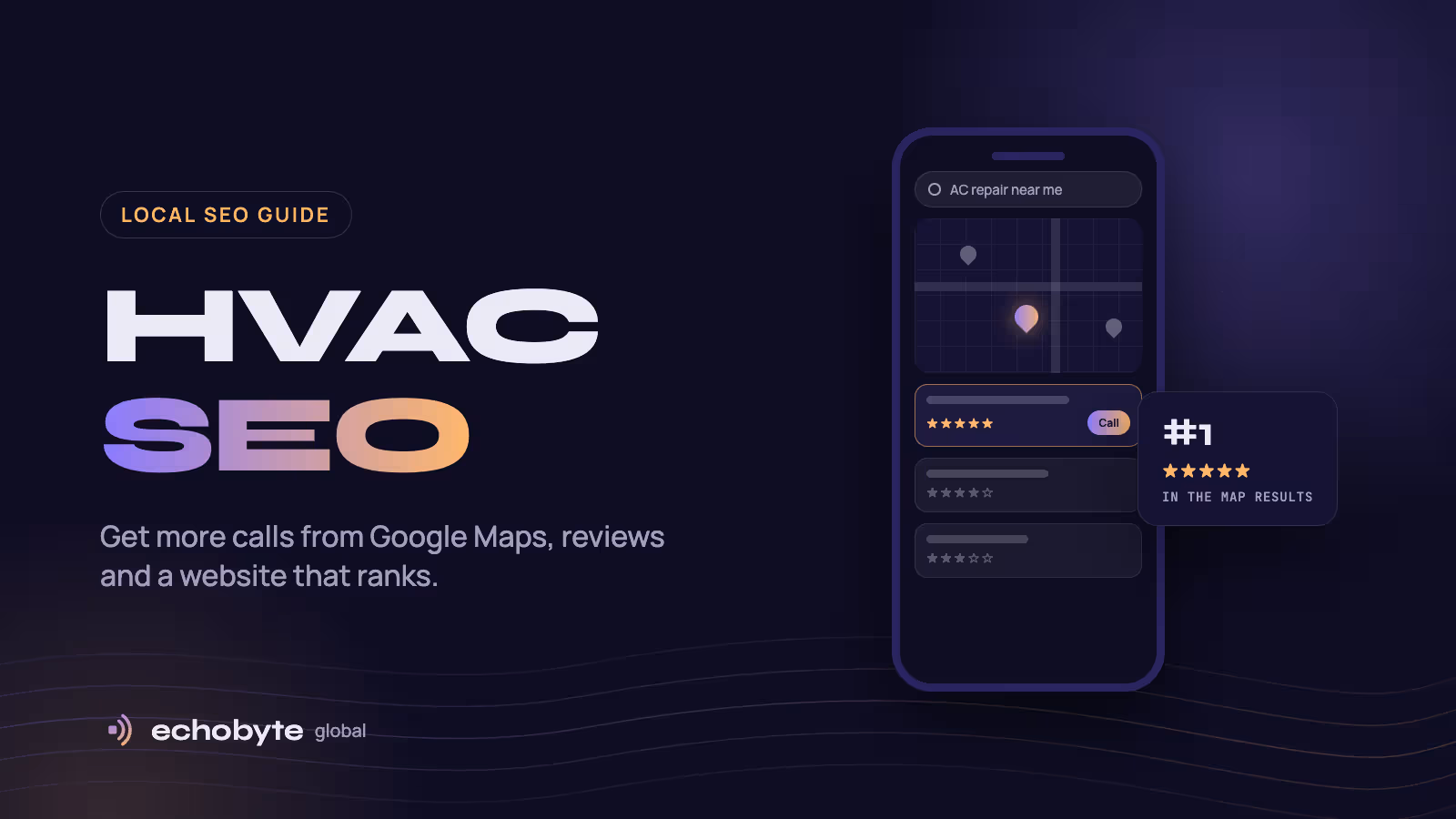
HVAC SEO is the work of making your heating and cooling business show up when people nearby search Google for things like “AC repair near me” or “furnace installation”. Those calls tend to go to the handful of businesses in Google’s map results and the top websites below them. If you’re not there, a competitor gets the job.
The good news is that HVAC SEO is mostly local, so you’re competing with the contractors in your service area rather than with the whole internet. This guide covers the six things that move the needle most, in the order we’d tackle them: your Google Business Profile, reviews, your website, local listings, seasonal content, and tracking the calls it brings in.
How Google decides which HVAC companies to show
Google’s own Business Profile help page says local results are based mainly on three things:
- Relevance: how well your business matches the search. This comes from your categories, services and website content.
- Distance: how far you are from the person searching, or from the town they typed.
- Prominence: how well known and trusted you are. Google says this draws on links, articles and directory listings across the web, and that your review count and rating also count.
You can’t move your office closer to every customer, but you can control almost everything that feeds relevance and prominence. The six steps below cover exactly that.
1. Set up your Google Business Profile properly
Your Business Profile is what appears in Google Maps and the map results, so it’s usually the fastest route to more calls. Claim it at business.google.com, then work through these:
- Categories. Choose “HVAC contractor” as your primary category, then add secondary categories that match what you actually do, such as air conditioning repair, heating contractor or furnace repair.
- Service areas. If customers don’t visit your office, set it up as a service-area business: hide your address and list the towns and ZIP codes you cover.
- Services. Add every service separately (AC repair, AC installation, furnace repair, heat pumps, duct cleaning, maintenance plans) with a short description of each.
- Hours. Show your real hours, including emergency availability if you offer it, and update them for holidays.
- Photos. Upload real photos of your team, vans and finished installs, and keep adding new ones. Stock photos don’t build trust.
- Posts. Share seasonal offers like pre-summer AC tune-ups. They keep the profile active and give people a reason to call now.
One rule to follow: use your real business name exactly as it appears on your vans and invoices. Adding keywords like “Best AC Repair Dallas” to your name breaks Google’s guidelines and can get your profile suspended.
2. Get more reviews, and reply to every one
Reviews affect both your ranking and whether people call. In BrightLocal’s 2026 consumer survey, 97% of consumers said they read reviews for local businesses, and 41% read them every time. The same survey found most people are more likely to choose a business that replies to all its reviews, but half are put off by generic copy-paste replies, according to PinMeTo’s summary of the results.
To build a steady stream of reviews:
- Ask at the end of every job, when the customer is happiest and the house is cool again.
- Text a direct review link from your Business Profile, so leaving a review takes two taps. Asking in person and then sending the link the same day works best.
- Make it part of the technician’s checklist, not something the office remembers once a month.
Reply to every review within a day or two, mentioning the service and the area naturally (“Glad we could get your AC running again in Plano”). For negative reviews, stay calm, apologize for the experience, and offer to sort it out offline.
Never buy reviews or offer discounts in exchange for them. Google’s policies prohibit incentivized reviews, and fake reviews are illegal in the US under the Federal Trade Commission’s rules.
3. Build a website that ranks and gets calls
Your Business Profile wins the map results; your website wins the regular results below them and convinces people to call. Four things matter most.
One page for each service
Give every service its own page: AC repair, AC installation, furnace repair, heat pumps, maintenance plans, duct cleaning. A single “Services” page listing everything can’t rank for all of those searches. Each page should explain what’s included, the signs someone needs it, what affects the price, and a few common questions, with a call button near the top.
Pages for the areas you serve
Add a page for each main town or city you cover, with genuinely local content: the neighborhoods you work in, local climate issues, jobs you’ve done there, and reviews from customers in that area. Avoid copying one page and swapping the city name. Google’s spam policies treat near-identical pages like that as “doorway pages”, and they can hurt your whole site.
Built for phones and emergencies
People with a broken AC usually search on their phone and want to call right away. Put your phone number in the header as a tap-to-call link, add a sticky “Call now” button on mobile, and show emergency availability clearly. Pages should load in a couple of seconds on a mobile connection. Our guide to mobile-first design explains how to build for this.
Business details search engines can read
Add structured data using the HVACBusiness type from Schema.org, with your business name, phone number, service areas and opening hours. It helps Google and AI assistants understand exactly what you do and where. Keep these details identical to your Business Profile.
You can see an AC service website we built in our portfolio.
4. Get listed in the right places
Google checks other websites to confirm your business is real and well known. BrightLocal’s survey found the average consumer uses six different review sites when choosing a business, and that AI tools like ChatGPT are now the third most-used source of local recommendations, behind Google and Facebook.
List your business on:
- Bing Places and Apple Business Connect, which feed Bing, Apple Maps and many voice assistants
- Yelp, Facebook and Nextdoor
- Home-service sites such as Angi and the Better Business Bureau
- Manufacturer dealer locators, if you’re a certified dealer for a brand like Carrier, Trane or Lennox. These are trusted, relevant links.
Use exactly the same business name, address and phone number everywhere. Small differences, like an old phone number on one site, make Google less sure which details are correct.
5. Publish content before each season
What people search for changes with the weather. Publish helpful articles four to six weeks before demand peaks, so they’re ranking when people need them:
| Season | What people search for | Content to publish |
|---|---|---|
| Spring | AC tune-ups, maintenance plans | “Is an AC tune-up worth it?”, spring maintenance checklist |
| Summer | AC repair, emergencies | “Why is my AC blowing warm air?”, AC replacement cost in your city |
| Fall | Furnace tune-ups, heat pumps | Furnace maintenance checklist, heat pump vs furnace |
| Winter | Furnace repair, no heat | “Why is my furnace not turning on?”, repair or replace guide |
Each article should link to the matching service page, so readers who need help can book in one click.
6. Track the calls SEO brings in
Rankings are only useful if they turn into booked jobs. Track these every month:
- Business Profile performance: calls, direction requests and website clicks from your profile.
- Google Search Console: which searches show your website and which pages get clicked. It’s free.
- Website calls and bookings: set up analytics to count taps on your phone number and booking form submissions.
- The simplest tracker of all: ask every new caller how they found you, and note it in your job system.
If you use a call-tracking number, set it as the primary number on your Business Profile and add your main number as an additional number. That keeps your business details consistent while still showing which calls came from Google.
How long does HVAC SEO take?
Improvements to your Business Profile and reviews often show up within a few weeks. New website pages usually take three to six months to rank well, depending on how many competitors are in your area. That’s why timing matters: start working on AC pages in winter, so they’re ranking by the first heatwave.
HVAC SEO FAQ
What is HVAC SEO?
HVAC SEO is improving your Google Business Profile, reviews, website and online listings so your heating and cooling business shows up when people nearby search for HVAC services.
Can I do HVAC SEO myself?
Yes, for a lot of it. Setting up your Business Profile, asking for reviews and creating listings mostly takes time rather than technical skill. The website work, such as service pages, area pages, speed and structured data, is where most contractors bring in help.
Is SEO or Google Ads better for HVAC companies?
They do different jobs. Google Ads, including Local Services Ads, bring calls from day one, but you pay for every lead. SEO takes months to build, but the calls keep coming without paying per click. Most successful contractors use ads to fill the calendar now and SEO to lower their cost per job over time.
How many Google reviews does an HVAC company need?
There’s no magic number. Aim to have more recent reviews than the competitors who show up above you, and keep new ones coming every month. Recent reviews matter more to customers than a large pile of old ones.
Do I need a separate page for every city I serve?
Only for the main areas where you can write genuinely useful local content. A few strong area pages beat dozens of copies with the city name swapped.
Run an HVAC or home-service business? We build fast, mobile-friendly websites and handle local SEO for service businesses, and every project starts with a free discovery call.