On this page
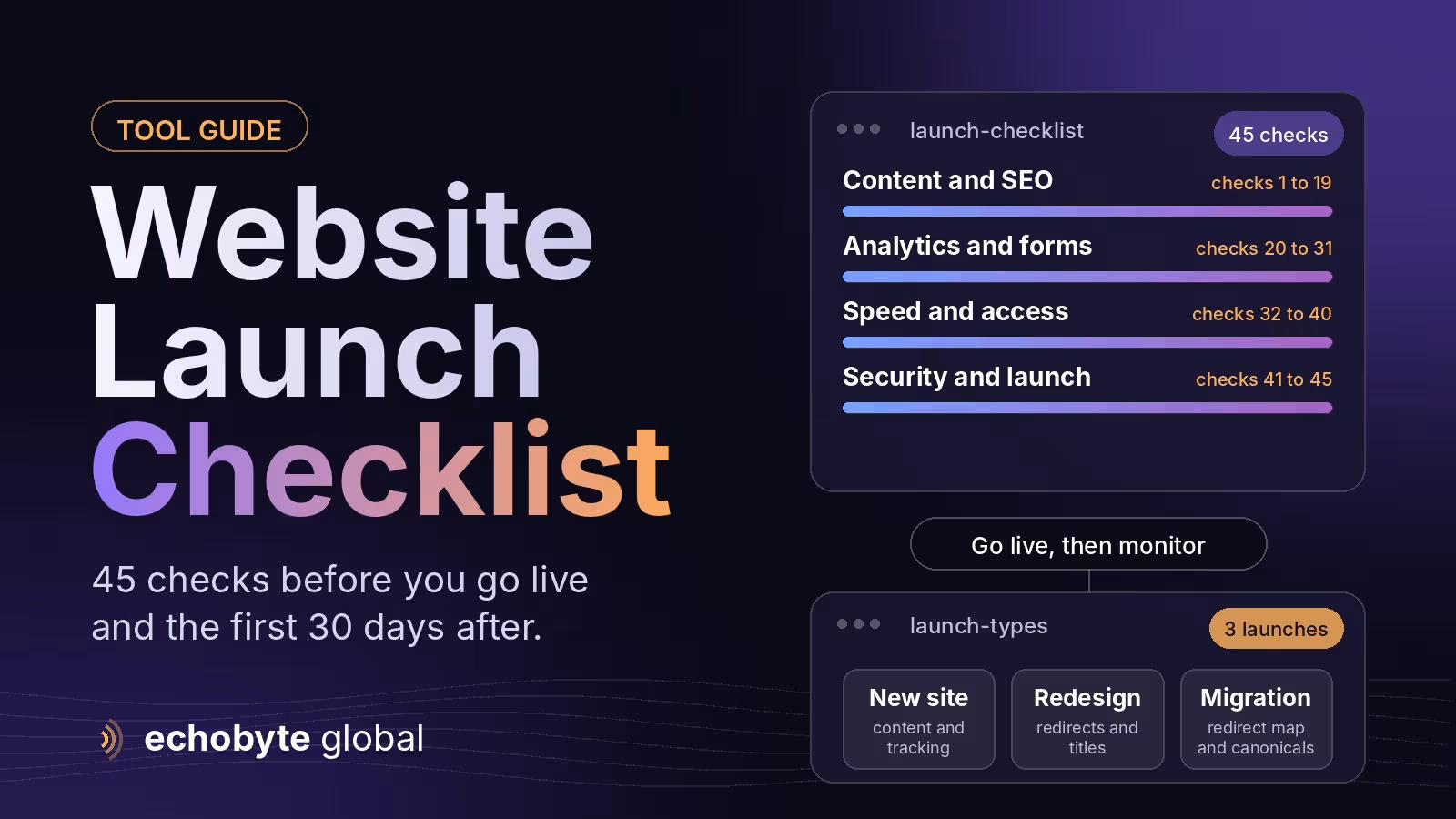
Website launch checklist 45 checks before you go live list of checks to run before and after a site goes live so that nothing important breaks: content, redirects, indexing, tracking, forms, speed, accessibility, security and a rollback plan. This one has 45 checks in eight groups. The ones that most often cause expensive problems are leftover noindex or password settings that keep the site out of search, missing redirects from old URLs, broken forms, and analytics or consent that was never tested.
Launching is a process, not a single moment, so the last two checks cover the switch itself and the first two weeks afterwards. Use the full list for a new site, and the highlighted groups for a redesign or platform change. Information was checked in November 2026. Tools and settings differ between platforms, so adapt each check to yours.
Key takeaways
- Test everything on the real domain’s final setup before announcing it, including forms, tracking, payments and emails.
- Redirect old URLs to the closest new page. Missing redirects are the most common way a redesign loses traffic.
- Remove staging blocks. A forgotten noindex tag or password can keep a live site out of Google.
- Set up analytics and consent before launch so you capture data from day one.
- Plan the switch and watch the site closely for two weeks.
The 45-point website launch checklist
Content and design (checks 1 to 8)
- Proofread every page. Check spelling, names, prices and phone numbers.
- Click every link and button. Fix broken links and buttons that go nowhere.
- Check images. Make sure they load, have alt text and aren’t oversized.
- Remove placeholders. Replace sample text, stock images and “coming soon” sections.
- Add legal pages. Include a privacy policy, terms and a cookie notice where required.
- Confirm contact details. Your address, phone, hours and email should match your other profiles.
- Add a favicon and social sharing images. Check how links look when shared.
- Create a helpful 404 page. Offer search or links to key pages.
SEO and indexing (checks 9 to 19)
- Remove staging blocks. Turn off any “discourage search engines” setting, noindex tag or password protection.
- Check robots.txt. Make sure it doesn’t block important pages.
- Create and check an XML sitemap. It should list only canonical, indexable pages.
- Write unique titles and meta descriptions for key pages.
- Check headings. Use one H1 per page and a logical order below it.
- Check canonical tags on important pages.
- Set up 301 redirects from old URLs. For a redesign or migration, see our website migration checklist.
- Force HTTPS and one preferred domain. Redirect www or non-www to your chosen version.
- Add structured data where it applies, such as Organization, LocalBusiness, Product or Article.
- Verify the site in Google Search Console and Bing Webmaster Tools, and submit the sitemap.
- Check internal links. Key pages should be reachable within a few clicks.
Analytics and consent (checks 20 to 25)
- Install GA4 and confirm data arrives.
- Set up key events and conversions, such as form submissions, calls and purchases.
- Add a consent banner and configure consent signals. See our Google Consent Mode v2 guide.
- Link GA4 with Search Console and Google Ads if you use them.
- Test tracking with a real test conversion and your tools’ debug views.
- Agree campaign naming. Set UTM conventions and call tracking.
Forms and functionality (checks 26 to 31)
- Submit every form and confirm the message arrives.
- Set up email authentication. SPF, DKIM and DMARC help your notifications avoid spam folders.
- Add spam protection that doesn’t block real users.
- Test checkout and payments with a sandbox or a small real transaction.
- Test integrations such as your CRM, booking and chat tools.
- Test click-to-call and map links on a phone.
Speed and mobile (checks 32 to 37)
- Test on real phones and tablets and in the main browsers.
- Run PageSpeed Insights. Aim for “good” Core Web Vitals: Largest Contentful Paint 2.5 seconds or less, Interaction to Next Paint 200 milliseconds or less and Cumulative Layout Shift 0.1 or less.
- Compress and size images, and use modern formats where supported.
- Enable caching and a CDN where available.
- Limit fonts, third-party scripts and heavy sliders or videos.
- Check for layout shifts caused by banners, fonts or late-loading content.
Accessibility (checks 38 to 40)
- Use the site with a keyboard only, and check that focus is always visible.
- Check color contrast and text size.
- Check labels and structure. Form fields, button names and headings should make sense. This also helps AI assistants read your pages, as our AI browsers guide explains.
Security and backups (checks 41 to 43)
- Confirm the SSL certificate is valid and renews automatically.
- Secure the admin area. Use strong passwords and two-factor login, remove unused accounts and plugins, and update everything.
- Take a full backup and test that you can restore it.
Launch day and after (checks 44 and 45)
- Plan the switch. Lower DNS time-to-live settings beforehand, choose a quiet time, and keep the old site available so you can roll back.
- Monitor for two weeks. Watch Search Console errors, 404s, indexing, conversions and speed, and fix problems quickly.
Which checks matter most for each type of launch?
| Launch type | Focus on | Biggest risk |
|---|---|---|
| New site | Content, indexing, tracking, forms | Staging blocks left on, tracking missing |
| Redesign on the same domain | Redirects, titles, content parity, speed | Lost rankings from changed URLs and content |
| Platform or domain change | Redirect map, canonicals, sitemaps, monitoring | Traffic loss from broken or missing redirects |
What should you monitor in the first 30 days?
| When | What to check |
|---|---|
| Day 1 | Site loads, forms and checkout work, tracking records, no stray noindex |
| Week 1 | Search Console coverage and errors, 404s, crawl issues, email delivery |
| Weeks 2 to 4 | Indexing of key pages, rankings and traffic against the old site, conversion rate, speed in real-user data |
Expect some movement after a redesign. If traffic drops sharply and does not recover, compare the old and new URLs and check redirects first.
What mistakes break launches?
- Leaving a staging password, noindex tag or blocked robots.txt in place.
- Changing URLs without redirecting the old ones.
- Launching without testing forms, payments or email.
- Installing tracking but never checking consent or conversions.
- Switching DNS with no backup or rollback plan.
- Not checking the site on real phones.
How can Echobyte help?
Our web development service builds fast Next.js sites and includes metadata, sitemaps and structured data from day one, and every launch follows a checklist like this one. Our SEO service starts with a technical audit and has no ranking guarantee. For a check of an existing site, see our website audit checklist and our SEO audit cost guide.
Website launch checklist FAQ
What should be on a website launch checklist?
Content checks, SEO and indexing, analytics and consent, forms and functionality, speed and mobile, accessibility, security and backups, and a launch-day and monitoring plan.
How long does a website launch take?
The switch itself can take hours, but testing beforehand takes days. Allow time for fixes, and plan to monitor the site closely for two weeks.
What is the most common launch mistake?
Leaving a noindex tag or password on the live site, or changing URLs without redirects. Both can keep or push a site out of search results.
Do I need redirects for a new website?
For a brand-new domain with no old URLs, no. For a redesign or migration, redirect each old URL to the closest new page.
How do I check that my site can be indexed?
Check for noindex tags, robots.txt blocks and password protection, verify the site in Google Search Console and use the URL Inspection tool on key pages.
What should I do after launch?
Monitor Search Console, 404s, conversions and speed for two weeks, compare traffic with before, and fix issues in order of impact.
Want a second pair of eyes before you go live? We run a pre-launch review covering redirects, indexing, tracking and speed, and every project starts with a free discovery call.